
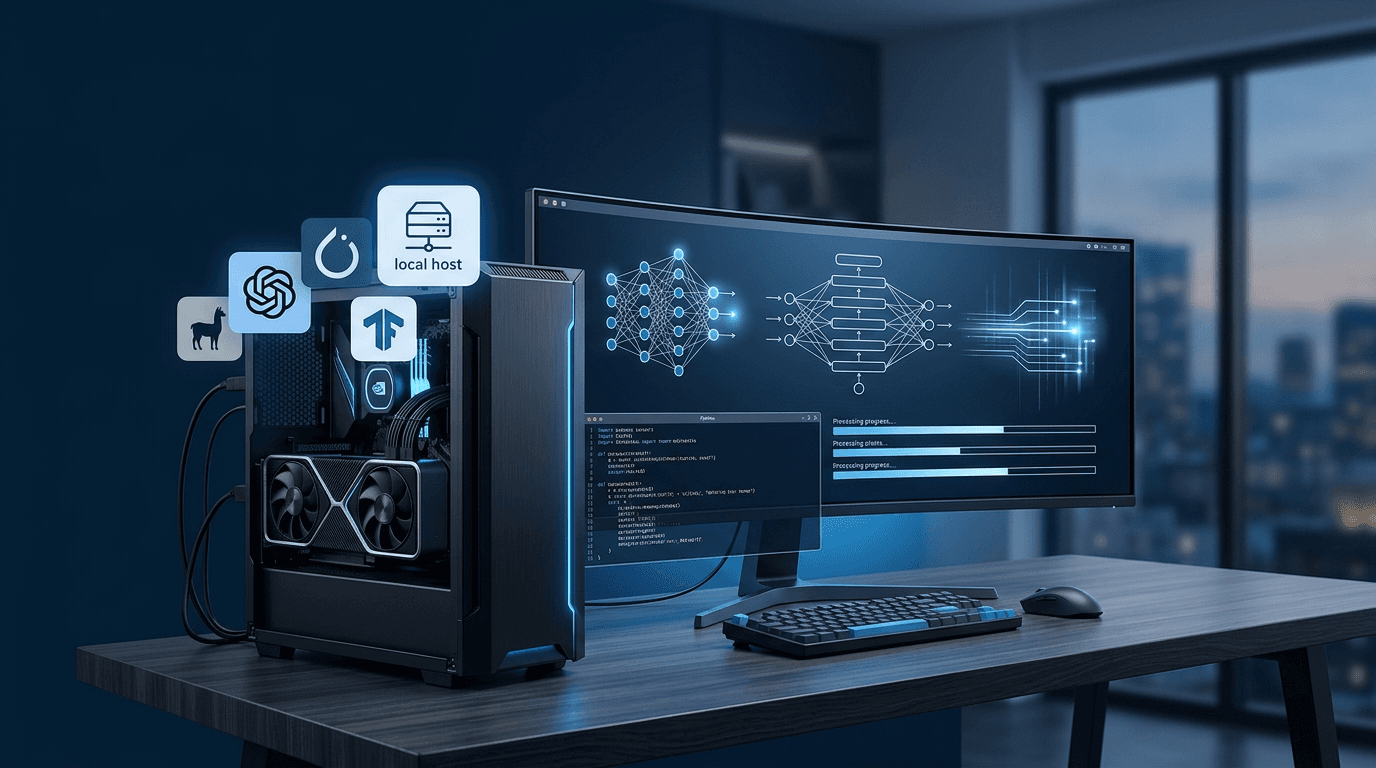
There's something genuinely exciting happening right now in the AI space that doesn't get enough attention outside of enthusiast circles. The gap between "AI you can only access through some company's API" and "AI you can run yourself" has been closing fast. Like, really fast. And if you haven't checked in on the open source model landscape in the last six months, you might be surprised at what's now possible on consumer hardware.
Let's talk about what's actually out there and how to get started.
Why Run Models Locally?
Before we get into the specifics, it's worth asking why you'd bother. Cloud APIs are convenient, right? Sure. But there are real reasons to care about running things locally.
Privacy is the big one. When you're experimenting with sensitive business data, customer information, or anything you'd rather not send to a third-party server, local models change the equation entirely. Your data stays on your machine. Full stop.
Cost is another factor. If you're doing heavy development or just experimenting constantly, API costs add up. Running a model locally means you can hammer it with requests all day without watching a meter tick up.
And honestly? There's just something satisfying about owning your own stack. You control the model, the context window, the system prompt—everything. No rate limits, no downtime, no terms of service changes that break your workflow overnight.
The Models Worth Your Attention
Llama 3 (Meta)
Meta's Llama 3 family is probably the most important open source release in recent memory. The 8B parameter model runs comfortably on a modern laptop with a decent GPU—even integrated graphics can handle it with some patience. The 70B version is genuinely impressive for reasoning tasks, though you'll want a proper GPU setup for that one.
Llama 3 8B punches above its weight class. It's not GPT-4, but for a lot of everyday tasks—summarization, code assistance, Q&A—it's more than good enough. And it's free to run.
Mistral and Mixtral
Mistral AI out of France has been on a tear. Their 7B model was a revelation when it dropped—small, fast, and surprisingly capable. But the real trick up their sleeve is Mixtral, which uses a mixture-of-experts architecture. Essentially only a fraction of the model's parameters are active at any given time, which means you get performance closer to a much larger model without the full compute cost.
Mixtral 8x7B is one of those models that makes you do a double-take. Running it locally on a machine with 32GB of RAM is totally feasible, and the quality of output is genuinely competitive with models that were considered state-of-the-art not long ago.
Phi-3 (Microsoft)
Small models have had a moment, and Phi-3 is a big reason why. Microsoft's Phi-3 Mini comes in at just 3.8 billion parameters, but it was trained on a carefully curated dataset that makes it perform way beyond what you'd expect from something that size. It runs on a phone. A phone. That's wild.
If you're building something that needs to run on edge devices or you just want something snappy for quick tasks, Phi-3 is worth serious consideration.
Code-Specific Models
For developers specifically, there are some great options. DeepSeek Coder has been getting a lot of love from the community for code generation tasks. Codestral from Mistral is another solid choice. These models are fine-tuned specifically for programming contexts, and they show—code completion, debugging explanations, and documentation generation all feel noticeably sharper compared to general-purpose models.
Getting It Running: The Tools You Need
Okay so you've picked a model. Now what?
Ollama is probably the easiest on-ramp if you're new to this. It's basically a package manager for local models. You install it, run ollama pull llama3 in your terminal, and you're off. It handles all the quantization and format stuff behind the scenes. There's even a REST API built in so you can point your existing code at it like you would any other LLM endpoint.
LM Studio is the GUI option. If you'd rather not touch a terminal, LM Studio gives you a chat interface and a model browser. You can download, manage, and chat with models through a clean desktop app. It also exposes a local server so you can use it programmatically.
llama.cpp is for the people who want to go deeper. It's the underlying engine that a lot of these tools are built on—a C++ implementation that's been optimized to run transformer models efficiently on CPU and GPU. If you want maximum control or you're building something custom, this is where you start.
What Hardware Do You Actually Need?
This is the question everyone asks, and the honest answer is: less than you think.

For smaller models (7B and under), a modern laptop with 16GB of RAM can get you going. It won't be fast, but it'll work. Add a GPU with 8GB of VRAM and things get noticeably snappier.
For mid-size models (13B-34B range), 32GB of RAM and a GPU with 16-24GB of VRAM is the sweet spot. An RTX 3090 or 4090 is the enthusiast choice here. Apple Silicon Macs with 32GB or 64GB of unified memory are genuinely excellent for this—the M2 and M3 chips handle these models really well.
For the big stuff (70B+), you're either looking at multi-GPU setups, high-end workstations, or running quantized versions that trade a little quality for a lot of efficiency. Q4 quantized versions of 70B models can run on a single high-VRAM GPU with acceptable quality.
A Few Things to Keep in Mind
Local models require some patience. First runs can be slow while things load into memory. Quantized models (Q4, Q5, Q8) are compressed versions that run faster but may lose some capability—worth experimenting to find the right tradeoff for your use case.
Also, the ecosystem moves fast. A model that was impressive three months ago might already have something better available. Keeping an eye on the Hugging Face leaderboards and communities like r/LocalLLaMA is genuinely useful for staying current.
The open source AI world isn't a replacement for every cloud service out there. But for privacy-sensitive work, cost-conscious development, and just the pure satisfaction of owning your own AI stack—it's come a long way. Worth getting your hands dirty with.